Output screenshots
Paste what your program printed. Get a clean terminal image in your OS's style.
student@lab-pc record % python gen.py
Name: Sameer RRN: 24CS118
Password: Sam@8452kR!
Strength: Strong
student@lab-pc record %
Skip the rough copy
Curated for Crescent CSE students
Type the aim, algorithm, and code once. Record Lab lays it out on true A4 pages, watermarks your register number, and hands you the fair copy. No rewriting it out by hand the night before.
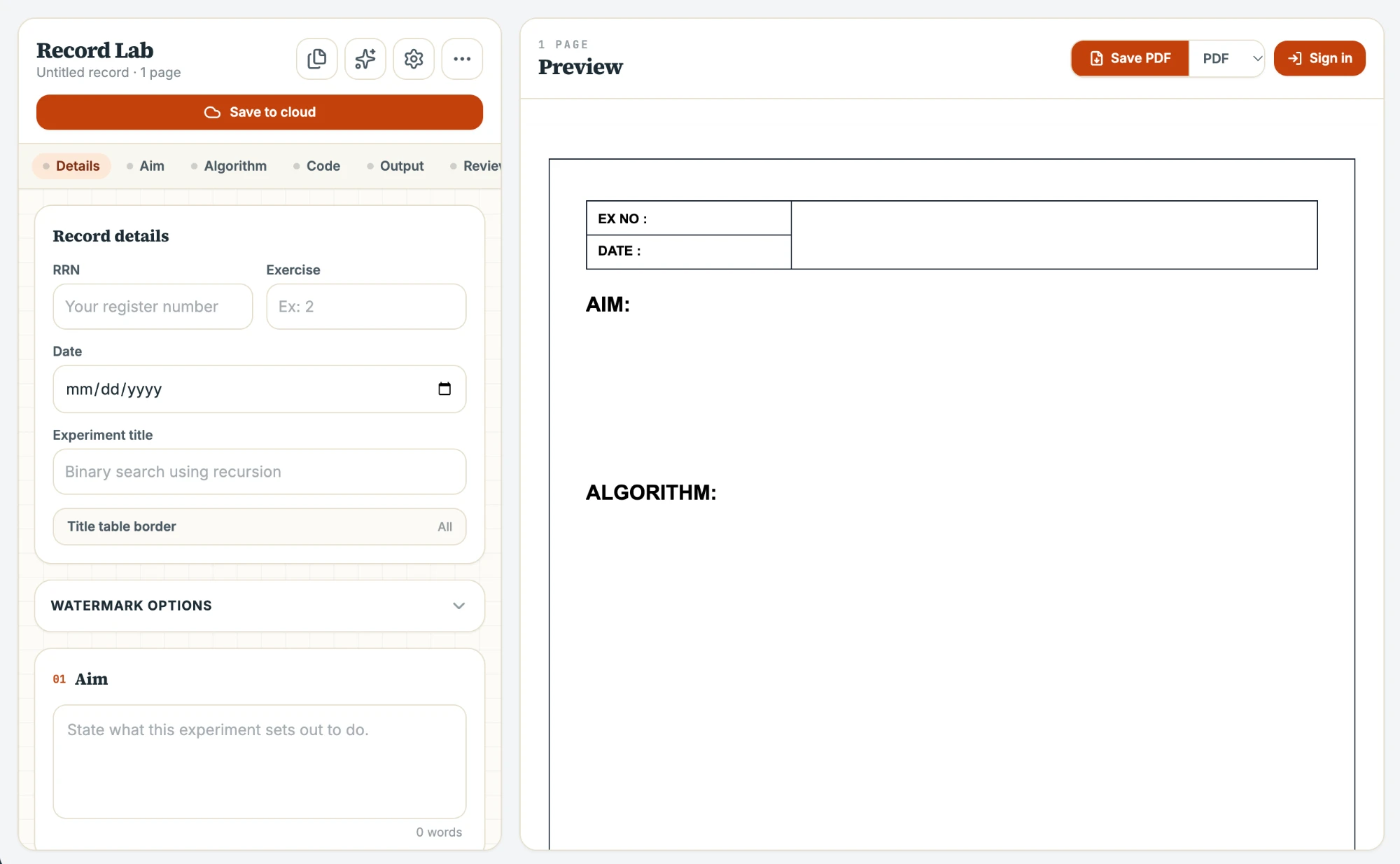
Page 02 / 07 — See it
Try the three things students spend the most time on: output screenshots, the heading table, and keeping records organised.
Page 03 / 07 — Index
Paste a program or describe the experiment. Record Lab drafts the aim, algorithm and viva questions for you to check over.
Every section is measured against real A4 dimensions, so the preview on screen is the page you hand in.
Turn program output into a macOS, Linux, CMD or PowerShell screenshot in one click. Edit it again any time.
Word-style borders for the title table, line by line, plus an optional rule underneath like a hand-ruled record.
A faint, rotated watermark of your RRN sits behind every page. Set its font, size, angle and opacity.
Export a print-ready PDF (picture-perfect or selectable-text), a Word file, or send it straight to the printer.
Keep every record under its subject. Drag files between folders, rename them, search across all of it.
Sign in with email or Google. Records save to your account and pick up where you left off on any device.
Export a .rlab.json file partway through and continue later on this device or another.
Long code listings and multi-image outputs split across pages on their own, never mid-line or mid-image.
Page 04 / 07 — How it works
Aim, algorithm, source code, output, and result — one panel, no formatting fuss.
The live preview lays out real A4 pages as you type, matching what will print.
Save a PDF, print directly, or save your work to finish later.
Page 05 / 07 — Questions
Yes. Record Lab runs in your browser, there is nothing to install and no payment step.
No. You can write, preview and export without signing in. An account (email or Google) only adds cloud saving, subject folders and sync across devices.
A PDF (rendered snapshot or vector with selectable text), a Word .docx you can keep editing, or print directly. Your .rlab.json file saves work-in-progress.
The layout follows the usual lab-record structure: heading table, aim, algorithm, program, output, result. The heading table's borders, watermark and font are adjustable, so you can match your department's sheet.
Unsaved work stays in your browser. If you save to the cloud, records live in your own account and are visible only to you.
Page 06 / 07 — Get started
Free, runs in your browser, nothing to install.
Open Record LabPage 07 / 07 — Credits
Frontend & Full-Stack Developer
Builds React and Next.js apps out of Chennai, with a focus on offline-first PWAs, real-time/sync systems, and accessible UI.